Solutions
Platform
Discover & Design
Build & Run
Benchmark & Optimize
Operate & Scale
- DeploymentsSoon
- Application IntegrationsSoon
Govern & Control
Resources
Quantum Program Governance
Experiment freely. Spend predictably.
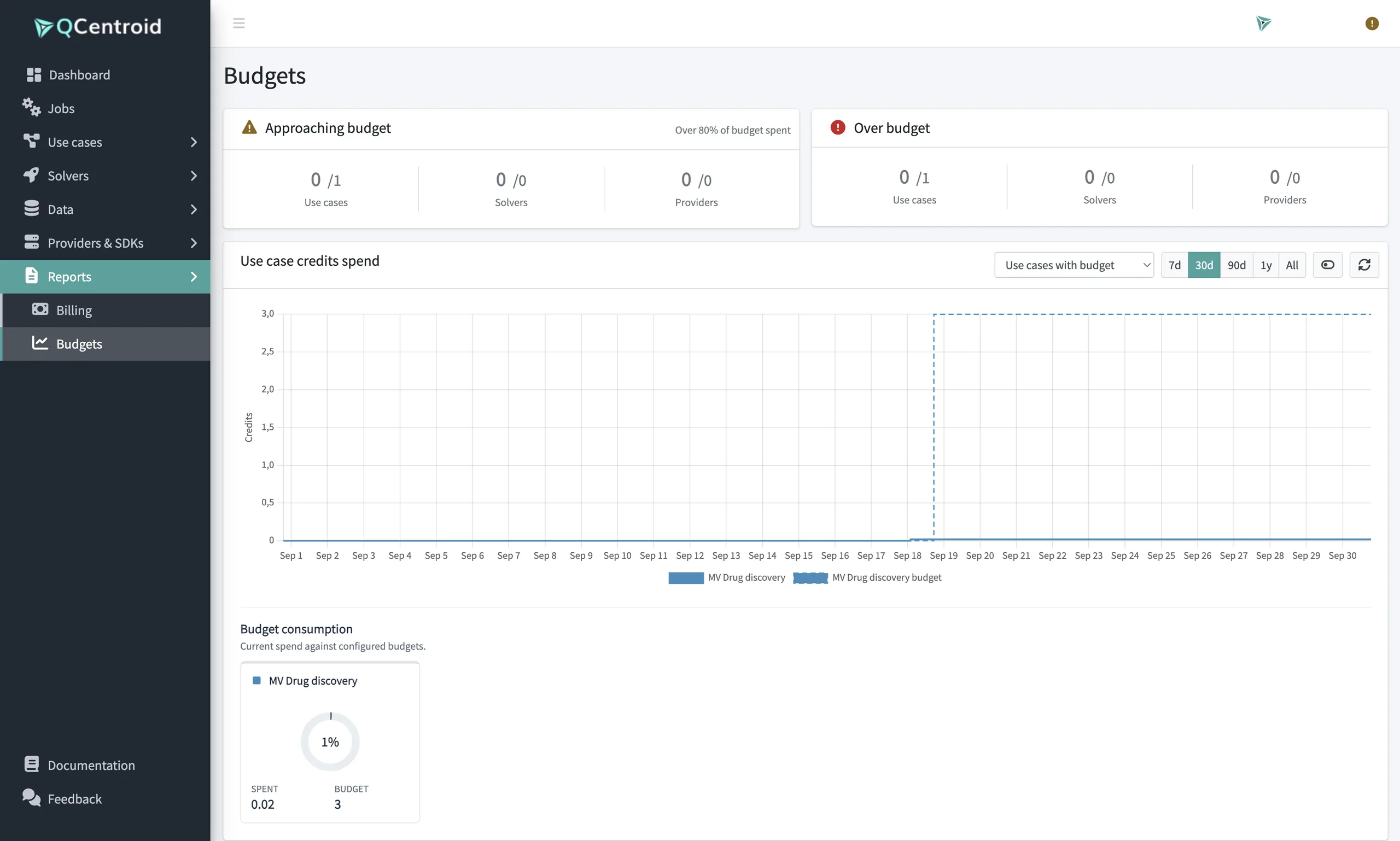
Budgets, live costs and clear reporting keep quantum and GPU spend under control, without slowing teams down.










Limits where they matter
Budgets per programme, use case, solver and provider.
No surprise bills
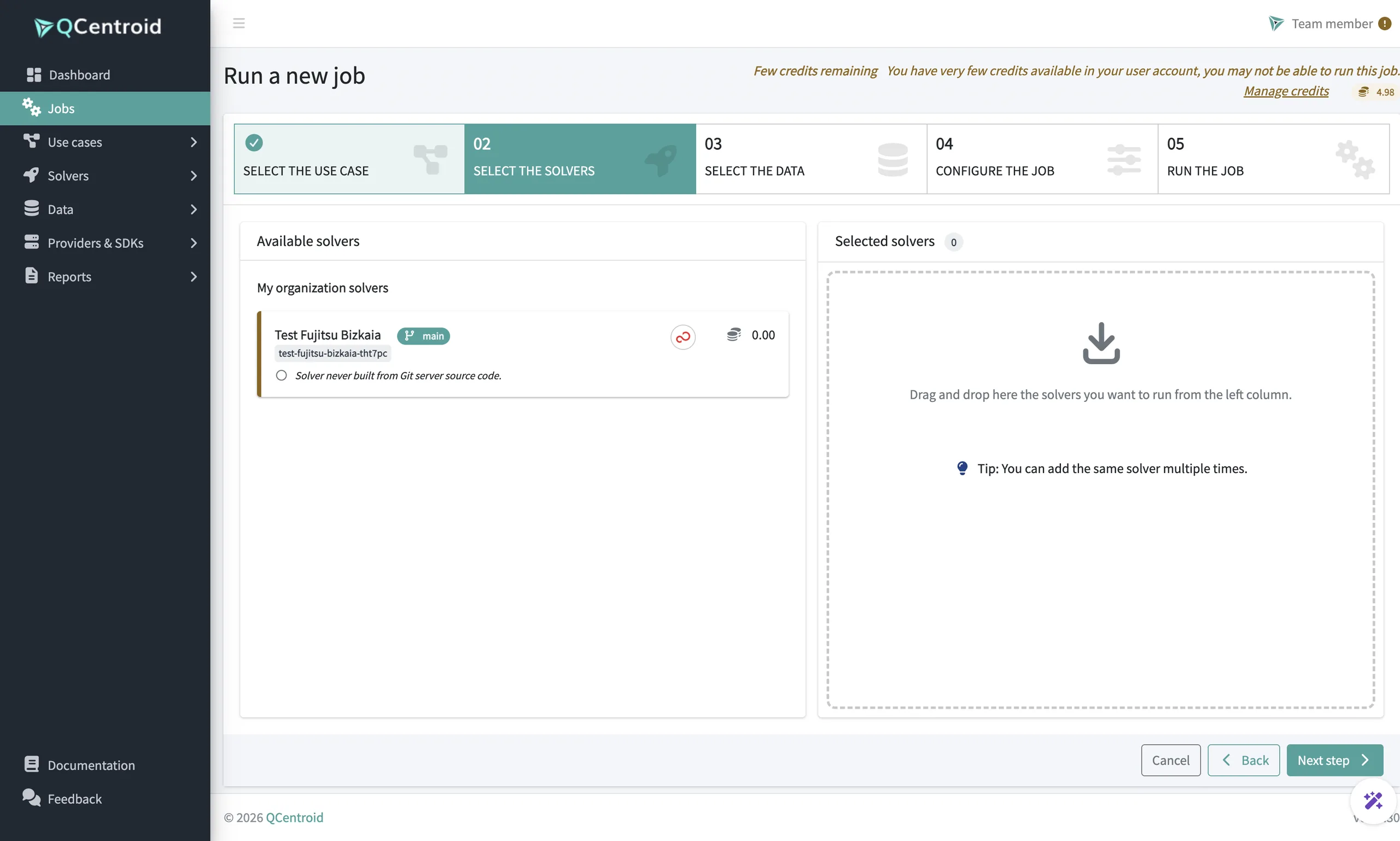
Live costs and warnings before expensive runs.
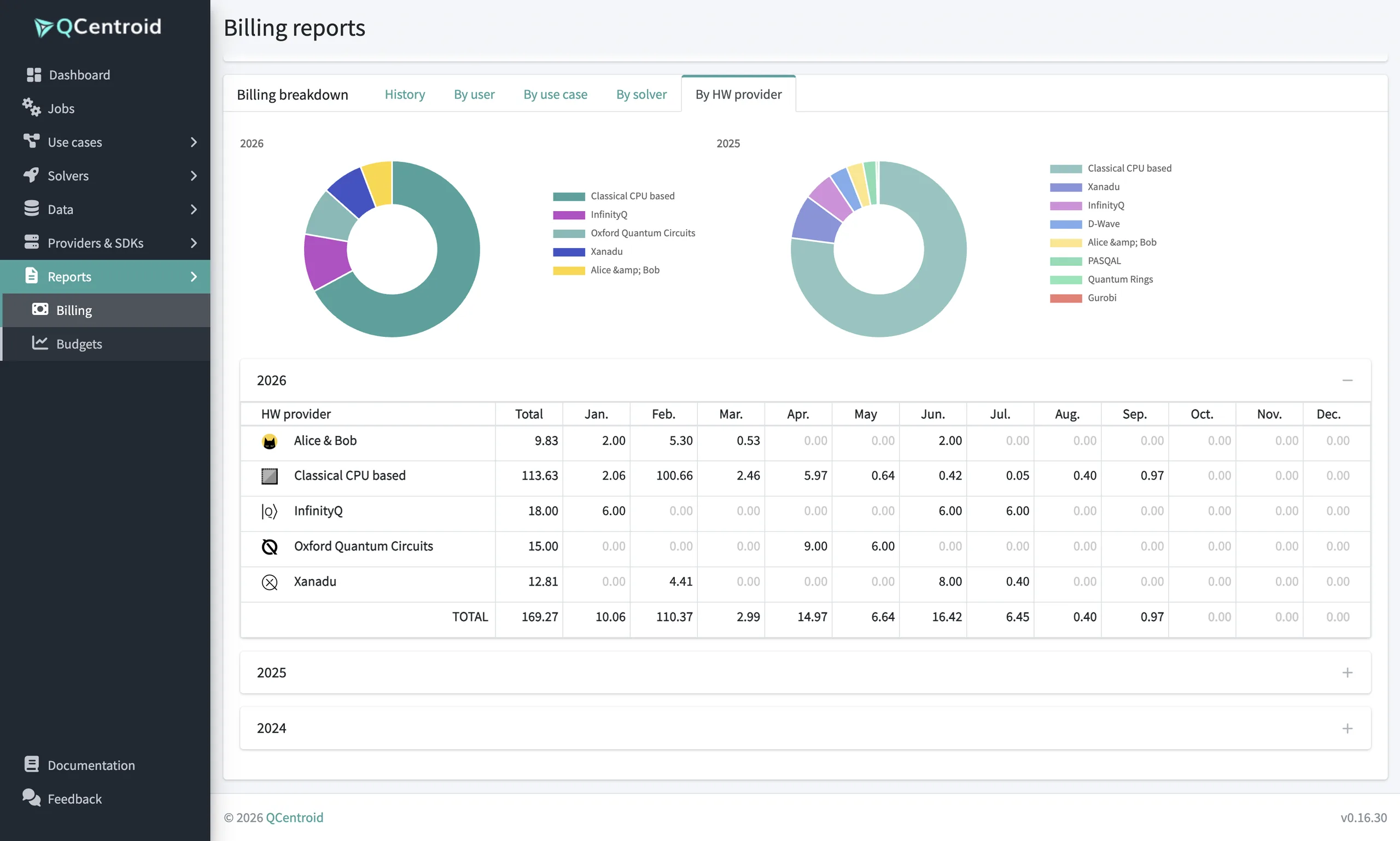
Reports finance trusts
Spend by organisation, provider and use case.
Features
Everything you need to keep quantum spend under control, in one place
Four tools for the cost side of every programme: set the limits, watch costs live, get warned before expensive runs and report spend.
Quantum Program Budgets
Set spending limits at every level of your programme.
- Budgets per programme and use case
- Limits per solver and provider
- Clear allocation across teams
Why it mattersTeams move fast within agreed limits, and leadership keeps control.
Live Execution Cost
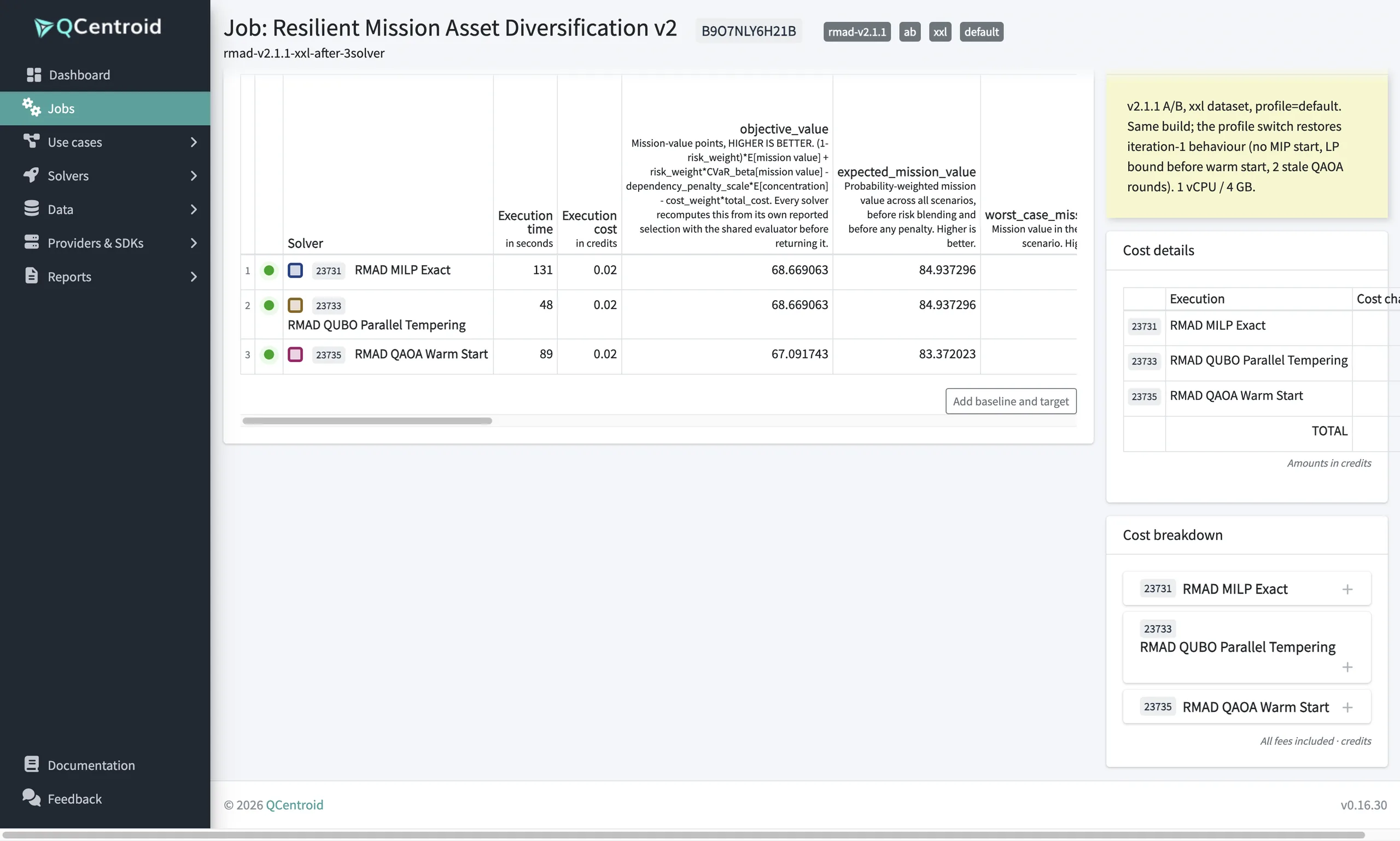
Watch a job's cost update while it's still running.
- Real-time cost per running job
- Visible across QPU and GPU runs
- Act early if costs drift
Why it mattersSpend is visible as it happens, not at month end.
High-Cost Run Warnings
Get an explicit warning before submitting a job to expensive quantum hardware or GPUs.
- Warning before costly QPU or GPU runs
- Confirm or adjust before you submit
- Protection against costly mistakes
Why it mattersOne misconfigured job on real hardware can consume a large share of a budget.
Usage & Billing Reporting
See spend broken down by organisation, provider and use case.
- Spend by organisation, provider and use case
- Usage trends over time
- Export for finance
Why it mattersClear reporting turns quantum spend into an investment you can justify.
Quantum Program Governance
Put quantum spend under control.
Budgets, live costs and reporting in one place.